
Courses by Grade
English, Grade 9
Develop your foundational reading, writing, and presentation skills through targeted communication tasks. Build confidence in expressing your ideas using modern digital tools.
English, Grade 10 (Academic)
Making good videos is the most powerful communication skill you can have. Learn how digital influence actually works by defining a strategic media profile and producing broadcast-quality video.
English, Grade 11 (University)
Refine your analytical and critical thinking skills through deep dives into literature and media. Challenge assumptions and practice articulating complex arguments effectively.
English, Grade 12 (University)
Prepare for post-secondary challenges by polishing your advanced writing and presentation techniques. Synthesize complex ideas into high-quality, professional-level communication products.
How Our English Courses Work
Students work with challenging texts (including Shakespeare and non-fiction), supported by LLMs and modern digital tools to engage more deeply and independently. AI is used to unpack complex passages, surface multiple interpretations, and model strong writing so students learn how meaning is constructed.
AI-Assisted Drafting & Editing
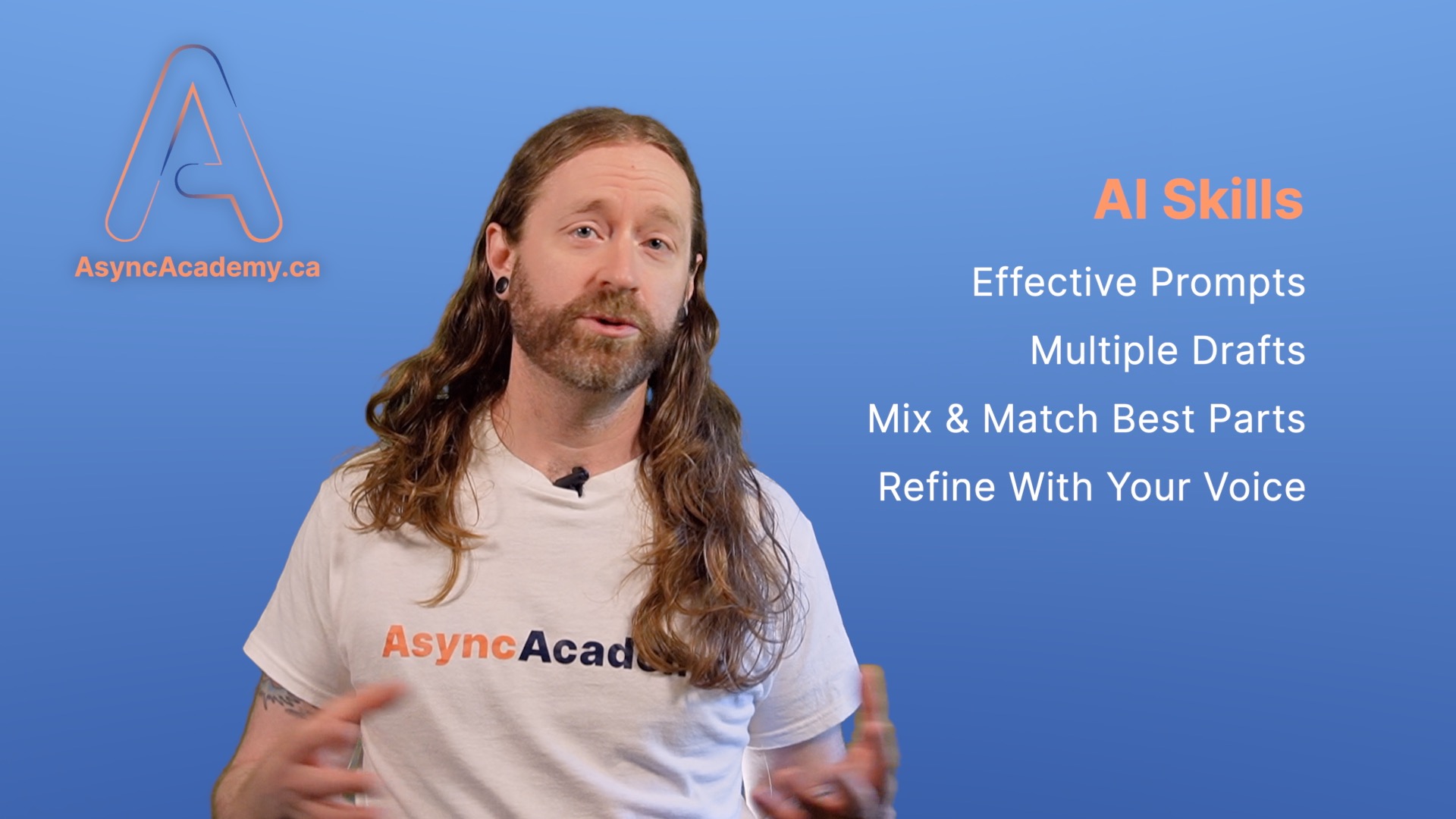
Instead of pretending AI doesn't exist, we teach students to act as rigorous editors: using LLMs and speech-to-text dictation to capture ideas quickly, challenge assumptions, and refine tone, structure, and argument clarity.
Flexible Ways to Express Ideas
Students choose the tools that match how they think and communicate, from formal academic research essays to high-impact video essays and presentations, because mastering the camera is the most powerful way to move an audience today.
Inquiry-Based Projects
Every unit begins with personal communication goals (academic writing, persuasive speaking, storytelling, or digital media) and ends with structured reflection and a personalized 1-on-1 video review from an Ontario Certified Teacher.
Nothing to Download.
Ready on Every Device.
You don't need an expensive laptop or complicated software installs to earn an Ontario credit. Our custom learning apps run directly in any mobile or desktop browser, and every enrolled student gets full access to creative and cloud tools that work across phones, tablets, Chromebooks, and computers:
Mobile-Friendly Custom Courseware
We build our interactive course apps in-house so they run fast in any phone, tablet, or desktop browser with nothing to install. Read lessons on the go, upload video reflections straight from your phone camera, and pick up right where you left off.
Unlocked Canva Pro (Web & Mobile App)
Every enrolled student gets a full-year Canva Pro subscription. Build compelling videos, presentations, and digital portfolios right in your browser or through the Canva mobile and tablet apps using premium templates, fonts, and media assets.
Google Workspace Cloud Suite
Every student receives a dedicated school Google account with cloud Drive storage, Docs, Sheets, and Slides. Your drafts sync automatically across any web browser and the official Google mobile apps so you never lose your work.
Included Gemini AI Assistant
Access Google's Gemini assistant in a safe, education-focused browser workspace with no separate paid subscriptions required. Students learn how to brainstorm, research, and critique AI output on any device.
High-Trust, No-Stress Exams
A final exam should measure what a student actually knows, not how well they handle a two-hour countdown clock or rigid proctor scheduling. We engineered our exam workspace from the ground up so students can start whenever they're ready, work at a humane pace, and demonstrate their best thinking with complete academic integrity.
One Answer at a Time
Instead of staring at a massive, overwhelming exam paper, students write and finalize exactly one answer at a time. This keeps focus sharp and anxiety low.
- Focus entirely on the active task without cognitive overload.
- No scrolling back and forth or second-guessing past work.
- Clean, minimalist workspace designed for deep focus.
Breaks Between Questions
Exams don't have to be a grueling multi-hour marathon. Students can complete a question, upload the proctoring segment, securely save it, and exit to take a break.
- Take breaks between questions to rest your mind and stretch.
- Your completed answers are locked and saved immutably.
- Close your browser and resume writing whenever you are ready.
Write on Your Schedule
No hunting for a community proctor to sign paperwork, and no booking a rigid appointment window days in advance. Start whenever you are ready.
- Write from home or on the road with no advance booking.
- Restart a question's recording any time before submitting if you want a clearer take.
- Works directly in your browser with nothing to install.
Course Cost Calculator
Select your department and courses to calculate your total tuition.
| Item | Course Units | Exam | Unit Assessments | Amount | |
|---|---|---|---|---|---|
| Total | 4 units | 1 exam | 5 assessments | $300.00 |
*Includes $50 annual registration + $50 per unit/exam assessment. Pay only when submitting work. No additional exam fees.
Register Now ($50) →Course Registration & Account Setup
Official Ontario high school credit registration. Complete courses 100% online at your own pace with Ontario Certified Teachers.